Experience an effortless and fast way to create professional pay stubs in minutes. Whether you need a single check stub or bulk payroll generation, our free paystub generator with an automated calculator delivers precise, accurate earnings records every time.
Creating real check stubs is simple with our online check stub maker. Eliminate complex payroll processes and save money on expensive software or third-party services. Whether you are an employer, independent contractor, or freelancer, our pay stub generator free tool gives you instant, error-free paycheck stubs whenever you need them.
What is a Pay Stub?
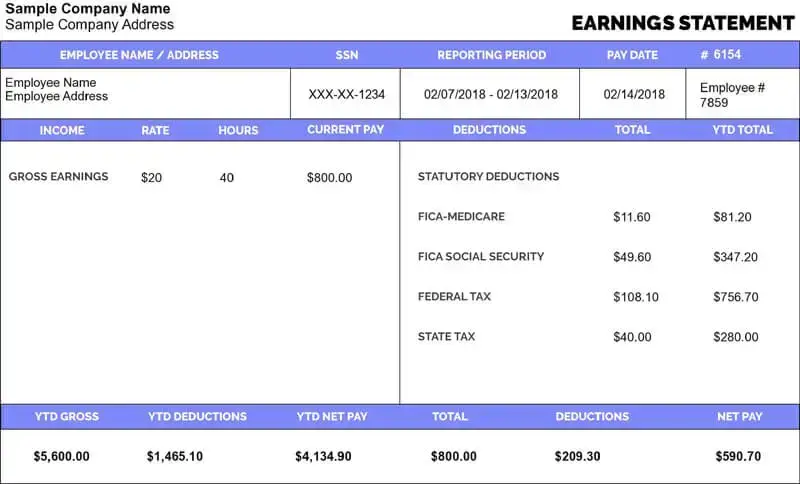
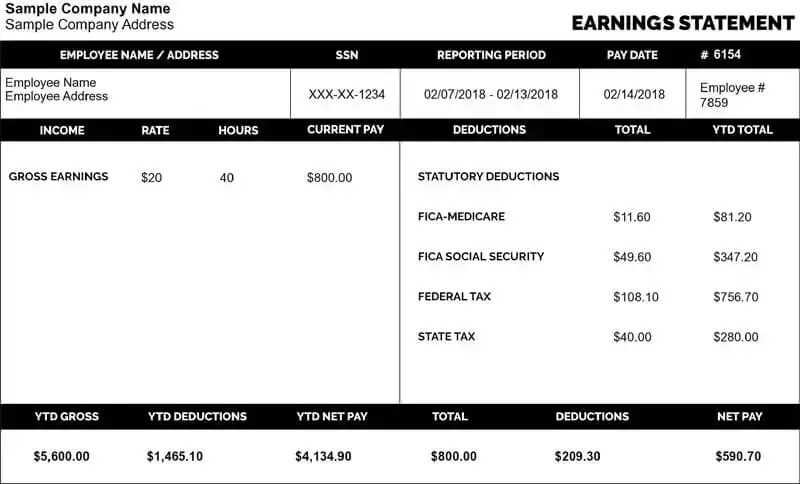
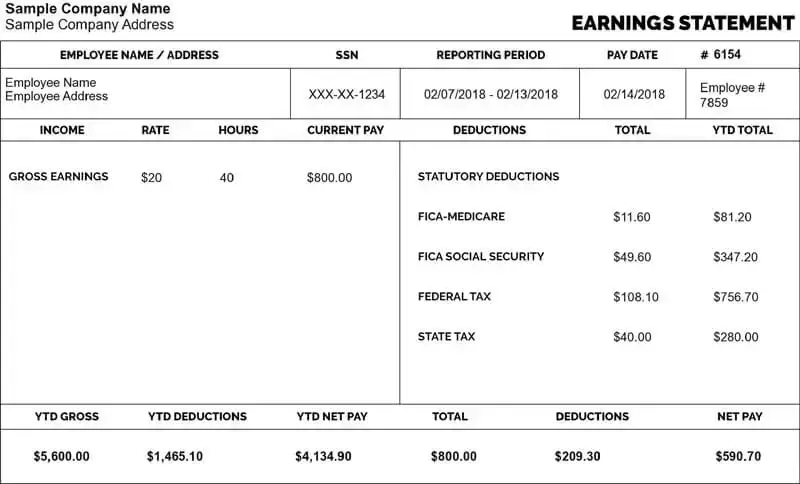
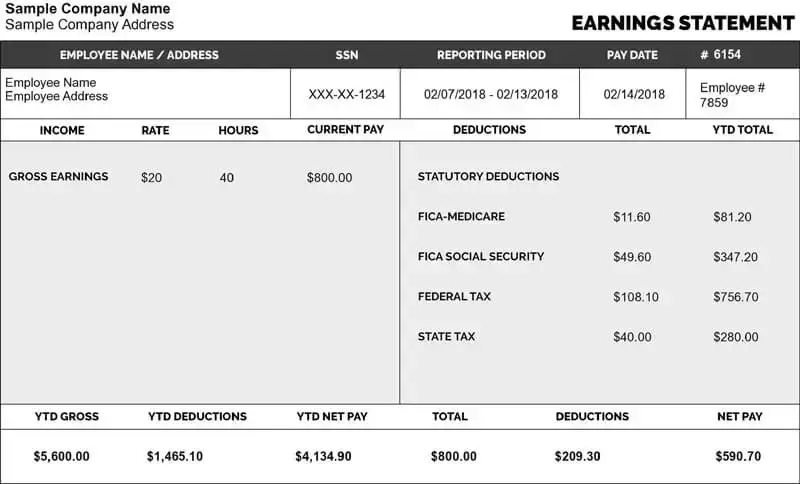
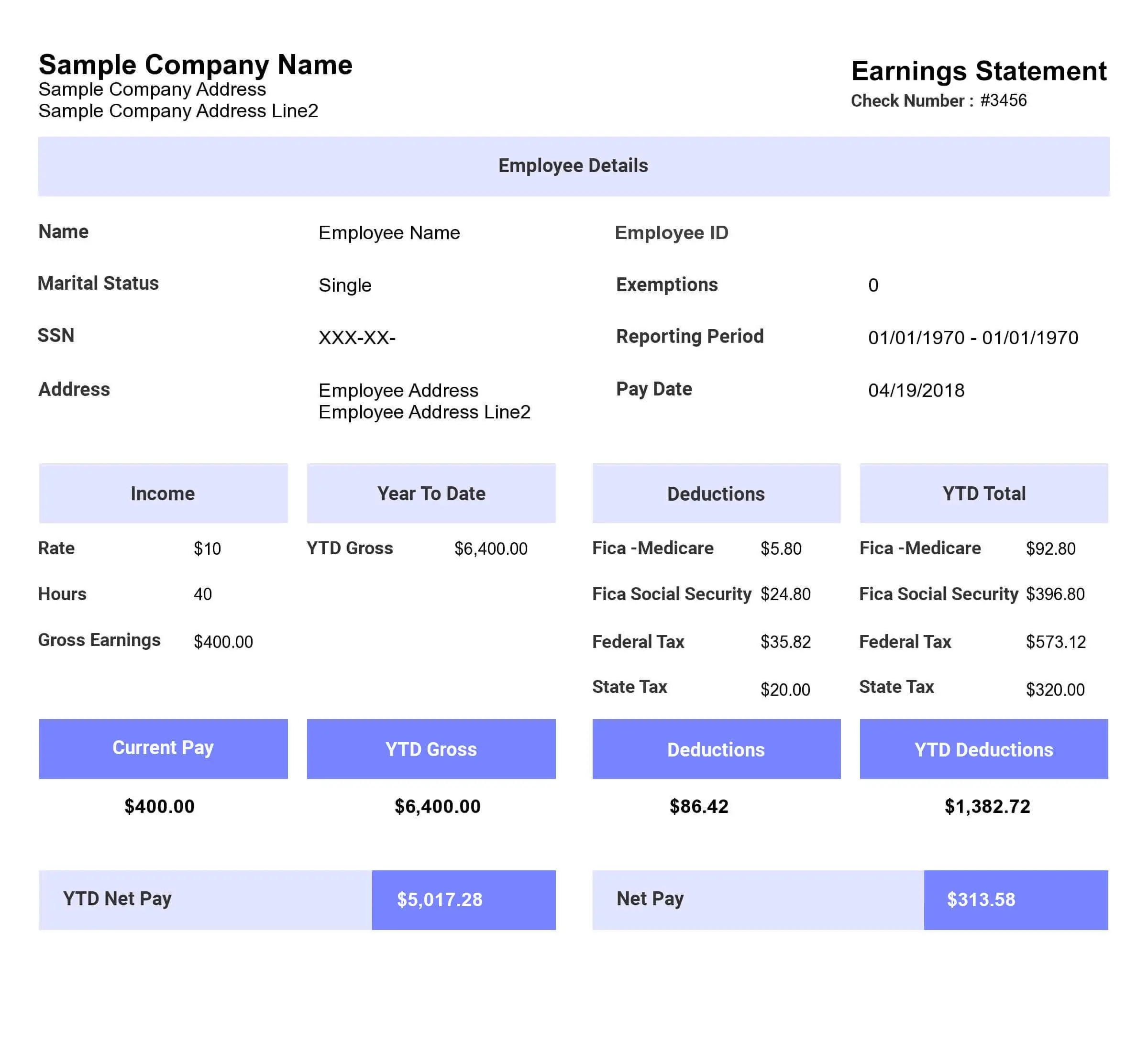
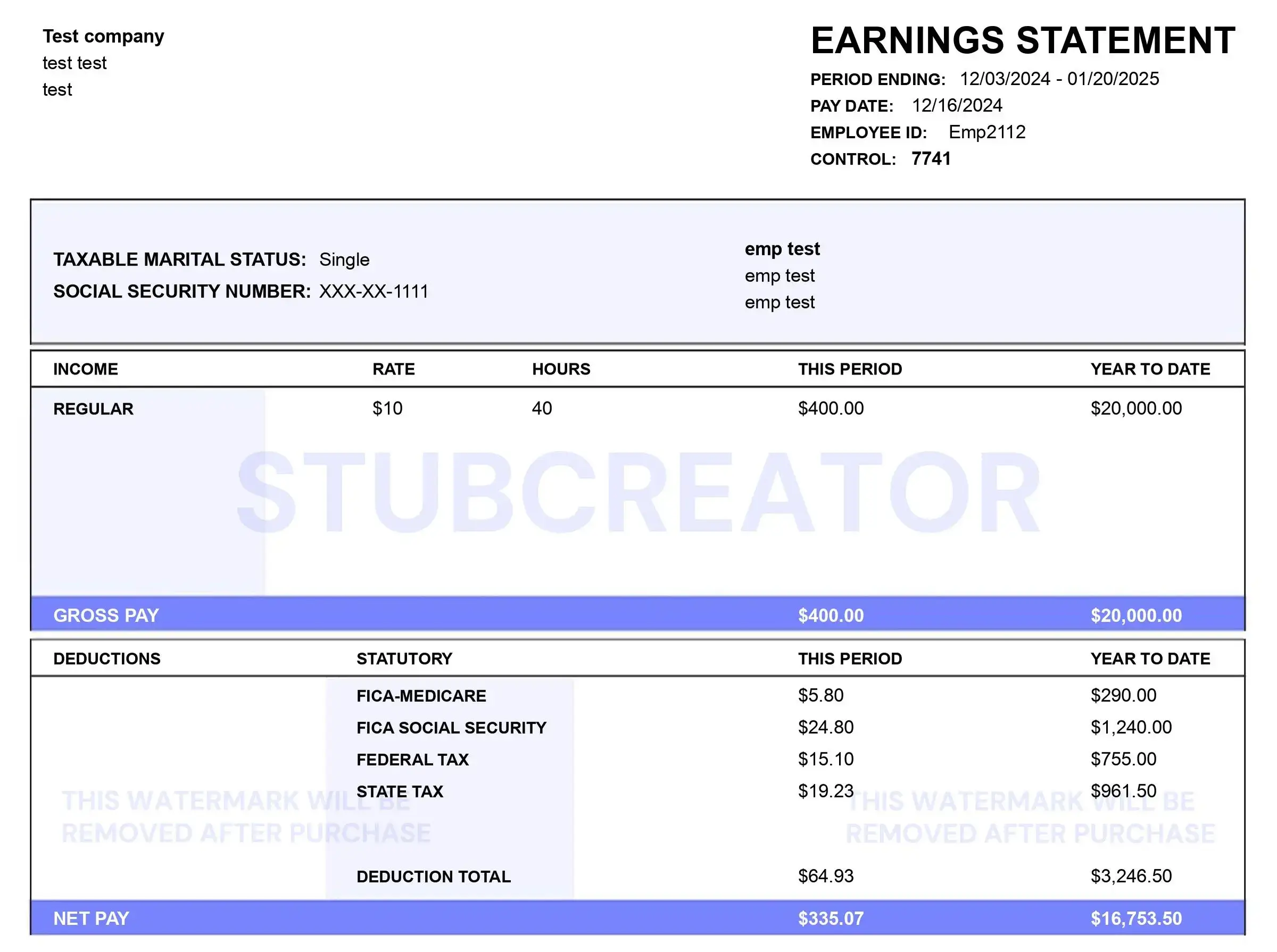
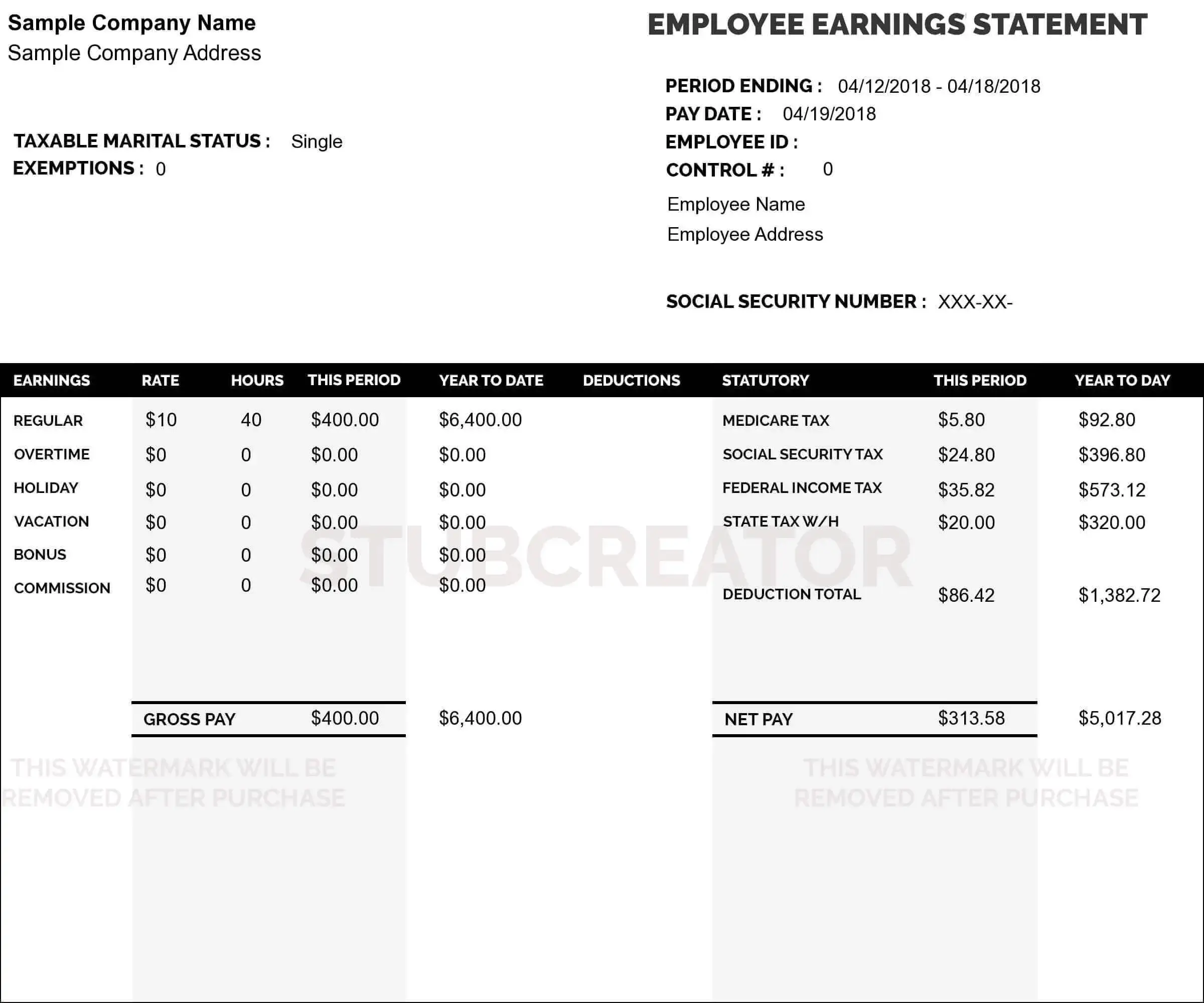
A pay stub (also known as a check stub or paycheck stub) is an official document that summarizes an employee’s or contractor’s income details for a specific pay period. Beyond acting as reliable proof of income, pay stubs help you track earnings, taxes withheld, and overtime pay.
A complete pay stub also tracks vacation time, statutory deductions, and gross-to-net calculations. Using StubBuilder’s paystub generator, you can create customized check stubs in just a few clicks.
What Is a Check Stub Maker Useful For?
Pay stubs serve as critical documentation across many financial and legal situations. Here are common scenarios where you will need generated check stubs:
-
Loan Applications: Lenders require proof of earnings when you apply for personal, auto, or business loans. Your pay stubs show total gross income, pay frequency, and year-to-date earnings to verify your financial stability.
-
Renting an Apartment: Landlords and property managers typically request your most recent check stubs to verify that your income covers monthly rent.
-
Major Purchases: Financed purchases often require recent check stubs alongside tax documents (such as W-2 or 1099 forms) to verify identity and financial capability.
-
Workers’ Compensation Claims: Accurate pay stubs establish your baseline wage history if an employee suffers a workplace injury and needs to calculate lost wages.
-
Tax Filing: Both employers and workers rely on paycheck stubs to prepare year-end tax forms, reconcile withholdings, and file accurate returns.
Who Needs a Real Pay Stub Generator?
Accurate pay records are essential for modern financial tracking and tax compliance:
-
Employers & HR Managers: Keep backup wage records, streamline payroll workflows, and provide staff with transparent earnings breakdowns.
-
Employees: Track earnings, verify withholdings, retain proof of income for financial applications, and verify details on end-of-year W-2 forms.
-
Self-Employed Workers, Freelancers & Contractors: Independent workers without traditional payroll systems can generate professional proof of income to document revenue, file taxes, and qualify for financing.
How to Create Check Stubs in 5 Simple Steps
Generating a professional paycheck stub with StubBuilder takes only a few moments:
1. Enter Company Information: Input your firm’s name, email, and business address.
2. Insert Employee Information: Provide employee or contractor details, including full name, address, Social Security Number (SSN), or Employee ID.
3. Add Pay Information: Select your pay period, pay rate (hourly or salary), hours worked, and check number.
4. Include Deductions: Enter applicable tax withholdings (Federal, State, FICA) and custom deductions like health insurance, retirement, or union dues.
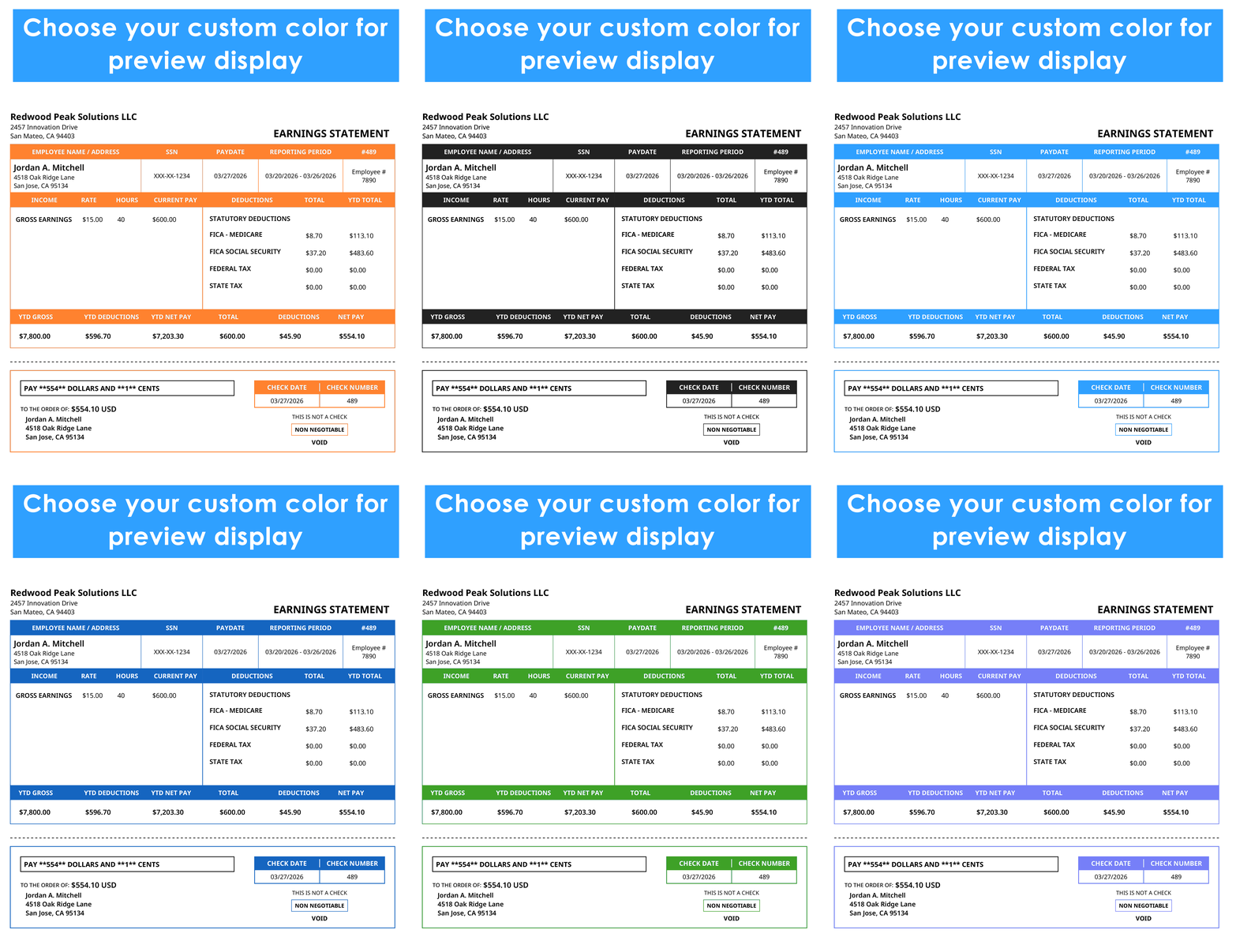
5. Generate & Download: Preview your document, click Create Pay Stub, and instantly receive your high-resolution PDF pay stub via email or direct download.
What Information Is on a Pay Stub?
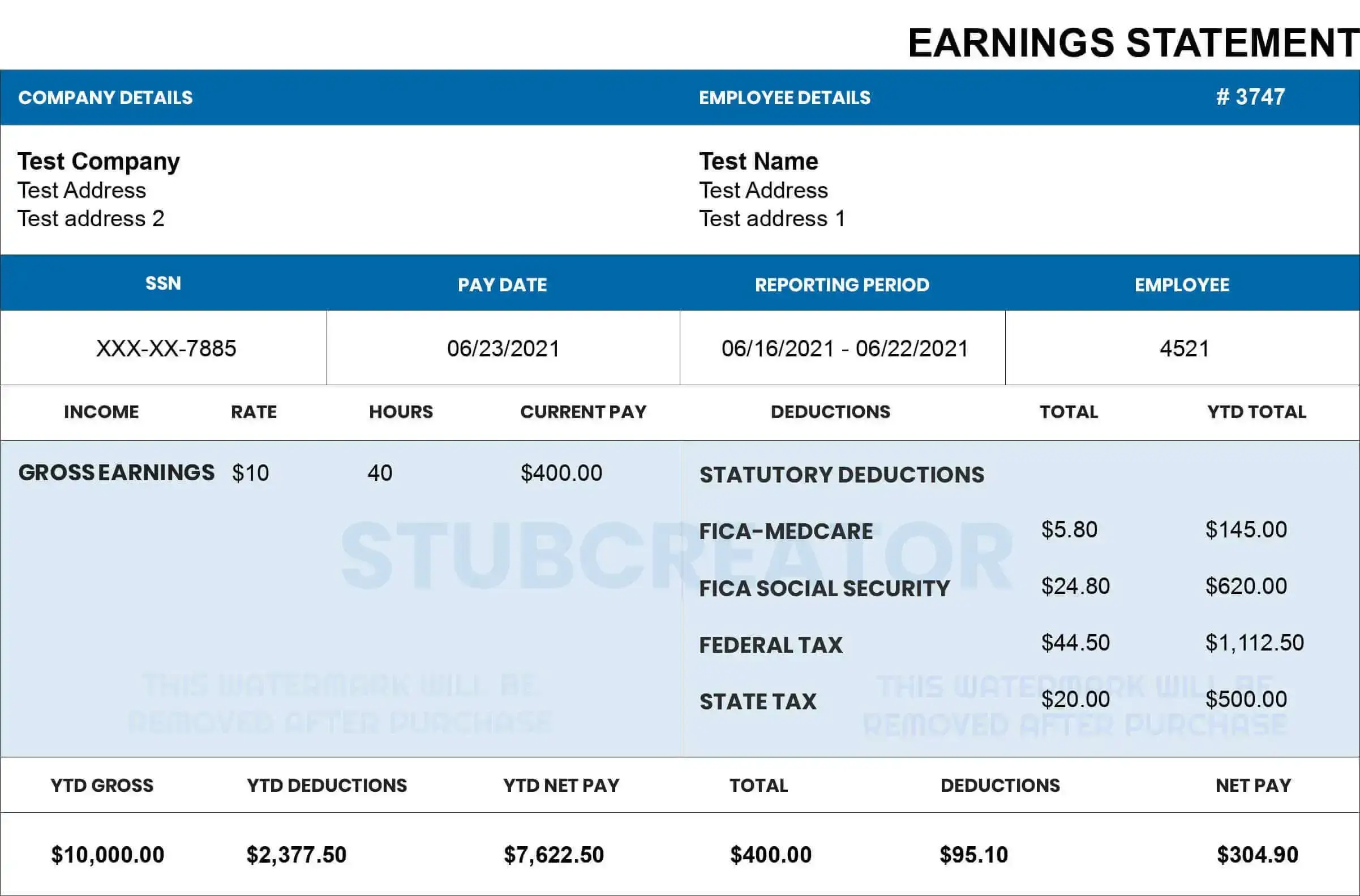
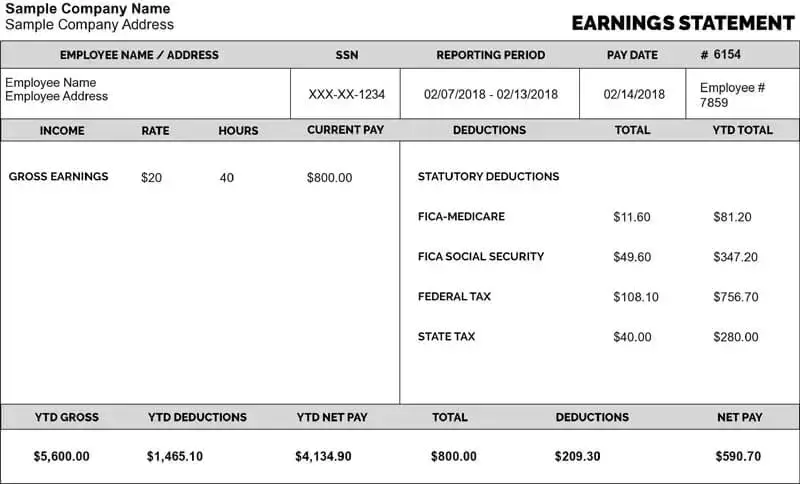
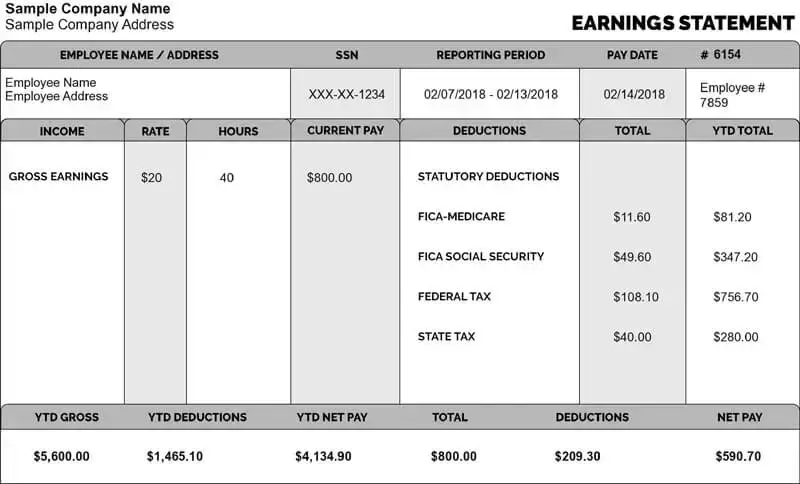
A standard pay stub created with our check stub maker includes:
-
Employer & Employee Details: Official names, business addresses, employee IDs, and tax identification details.
-
Pay Period & Pay Date: Clear date ranges showing when wages were earned and issued.
-
Gross Earnings: Total pay earned before any taxes or voluntary withholdings.
-
Tax Deductions: Federal, state, and local tax withholdings, including FICA (Social Security and Medicare).
-
Voluntary Deductions: Deductions for health insurance, 401(k) contributions, or life insurance.
-
Net Pay: Total “take-home pay” remaining after all deductions are calculated.
Why Choose StubBuilder’s Paystub Generator?
-
Instant & Time-Saving: Generate accurate check stubs in minutes without manual math or accounting delays.
-
Cost-Effective: Avoid high monthly fees from traditional payroll services.
-
Built-In Calculation Accuracy: Our automated calculator accurately handles taxes, earnings, and net pay figures.
-
User-Friendly Templates: Access clean, customizable pay stub templates designed to fit any business need.
-
Instant Delivery: Download, print, or email your completed PDF pay stubs immediately.
Frequently Asked Questions About Paystub Generators
Q1: Why is a pay stub important?
Pay stubs provide a detailed statement of earnings and withholdings necessary for tax filing, budgeting, and proof of income when applying for housing or loans.
Q2: How often should employees receive a check stub?
Pay stubs should be provided alongside every paycheck, following your company’s schedule (weekly, bi-weekly, semi-monthly, or monthly).
Q3: Can self-employed individuals create their own pay stubs?
Yes. Self-employed individuals, freelancers, and independent contractors can use a check stub maker to record their draw or salary, track tax deductions, and produce official income documentation.
Q4: Can I use generated pay stubs to verify my income?
Yes. Lenders, landlords, and financial institutions accept accurately calculated pay stubs as valid proof of regular income.
Q5: What should I do if there is an error on my check stub?
If you notice a mistake, notify your employer or payroll administrator immediately to adjust earnings or tax withholdings and re-issue a corrected pay stub.
Q6: How long should I keep my pay stubs?
It is best practice to keep all check stubs for at least one year until you reconcile them against your annual W-2 or 1099 tax forms.